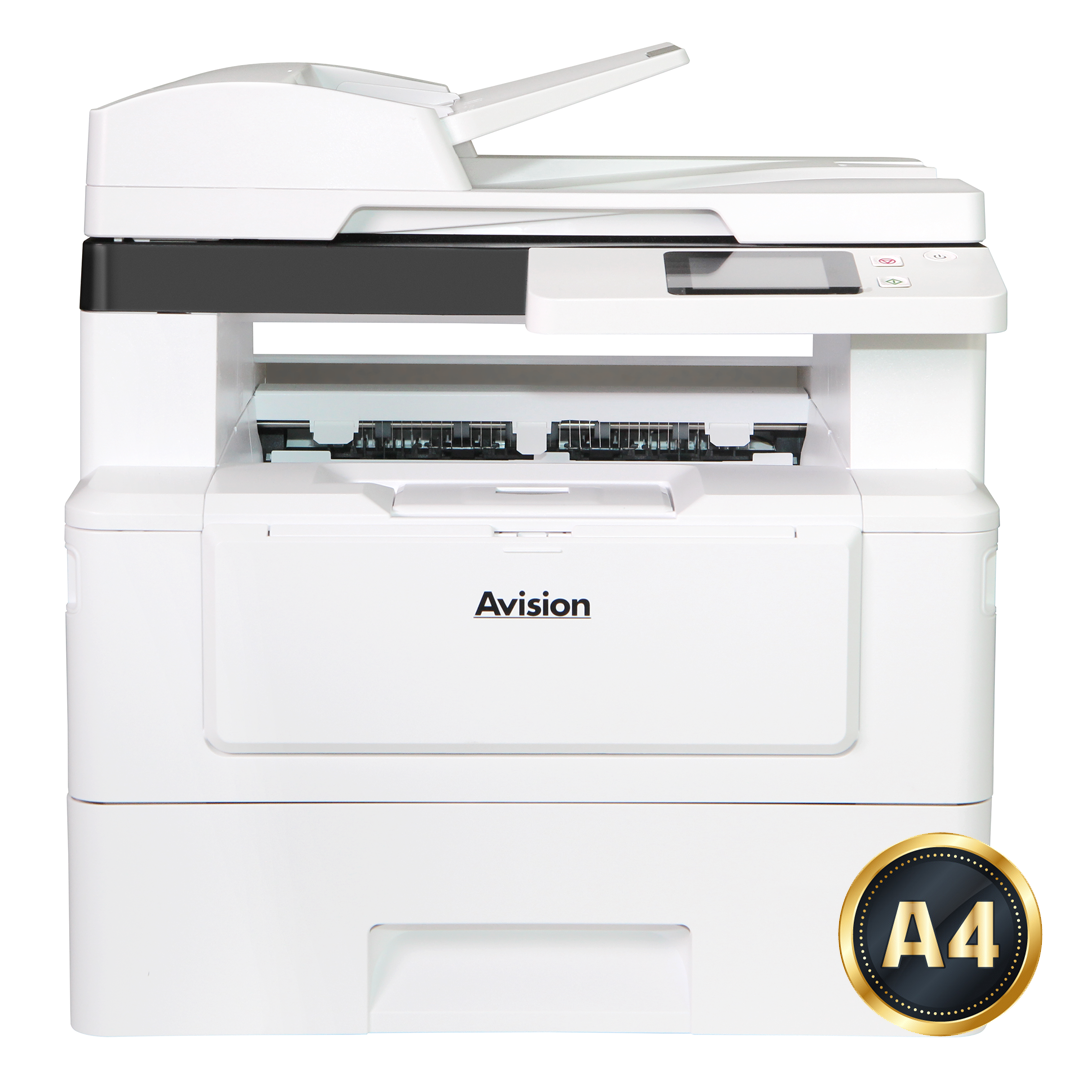
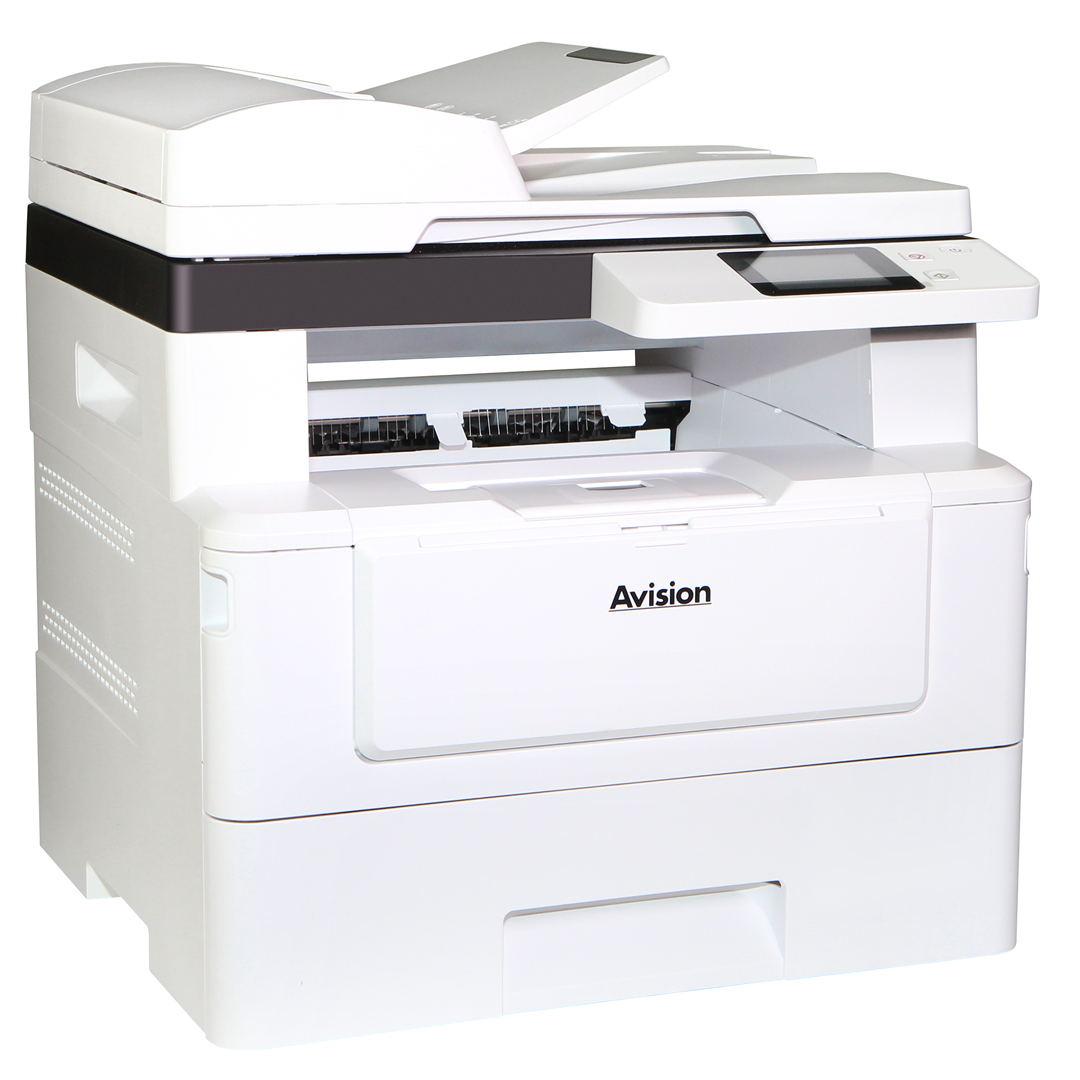
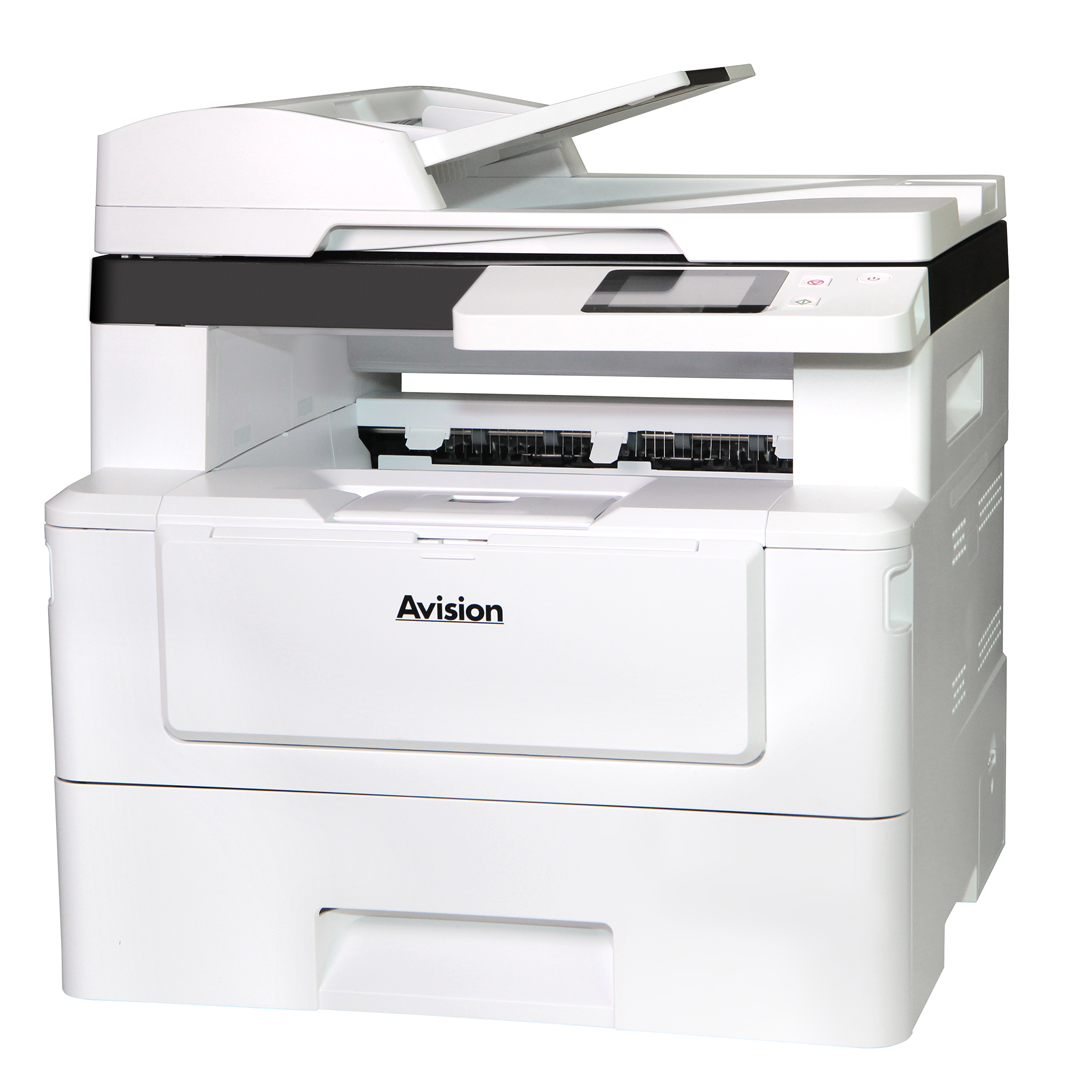
AM240QDW Plus

Print, Copy, E-mail, and Scan with the Avision AM240QDW Plus MFP

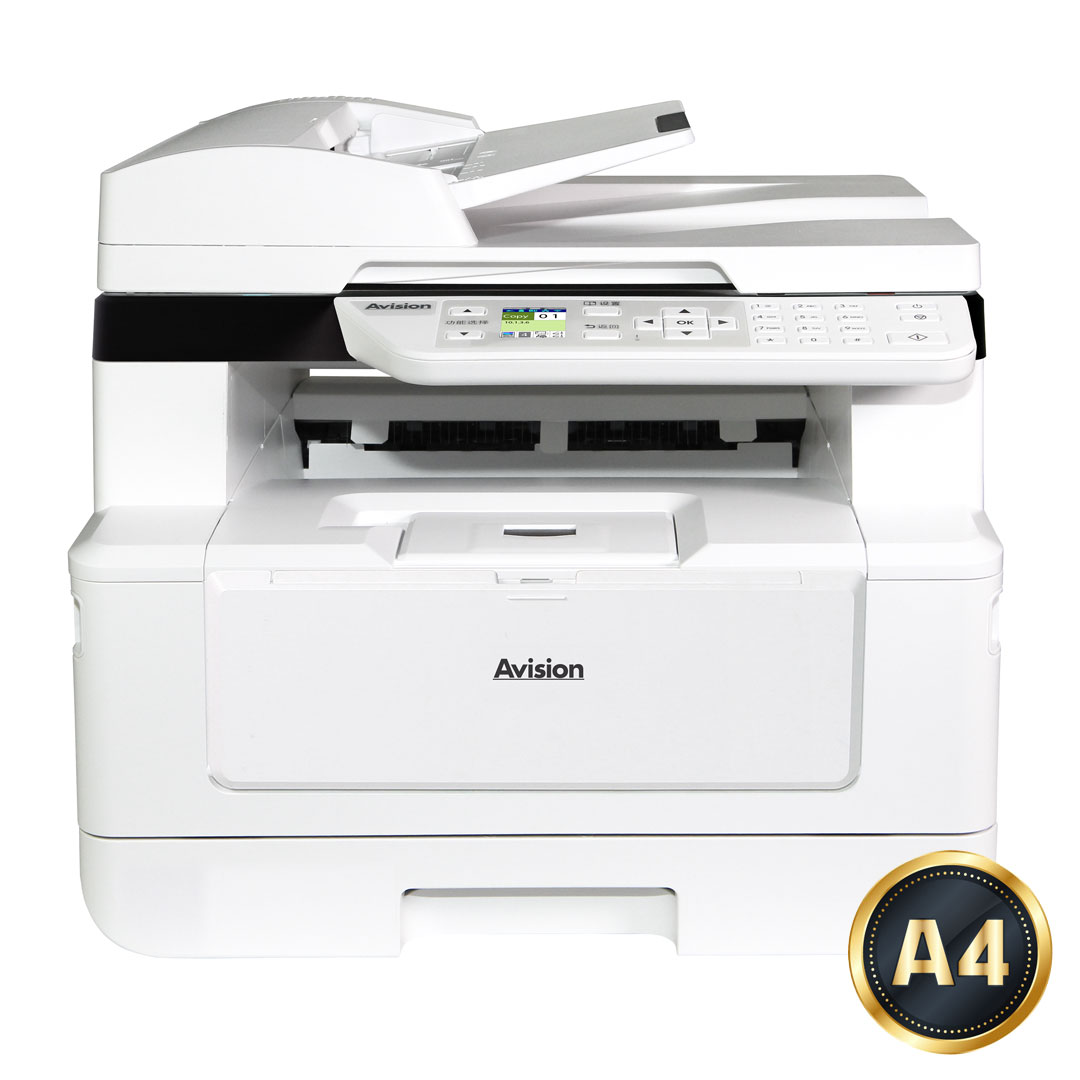
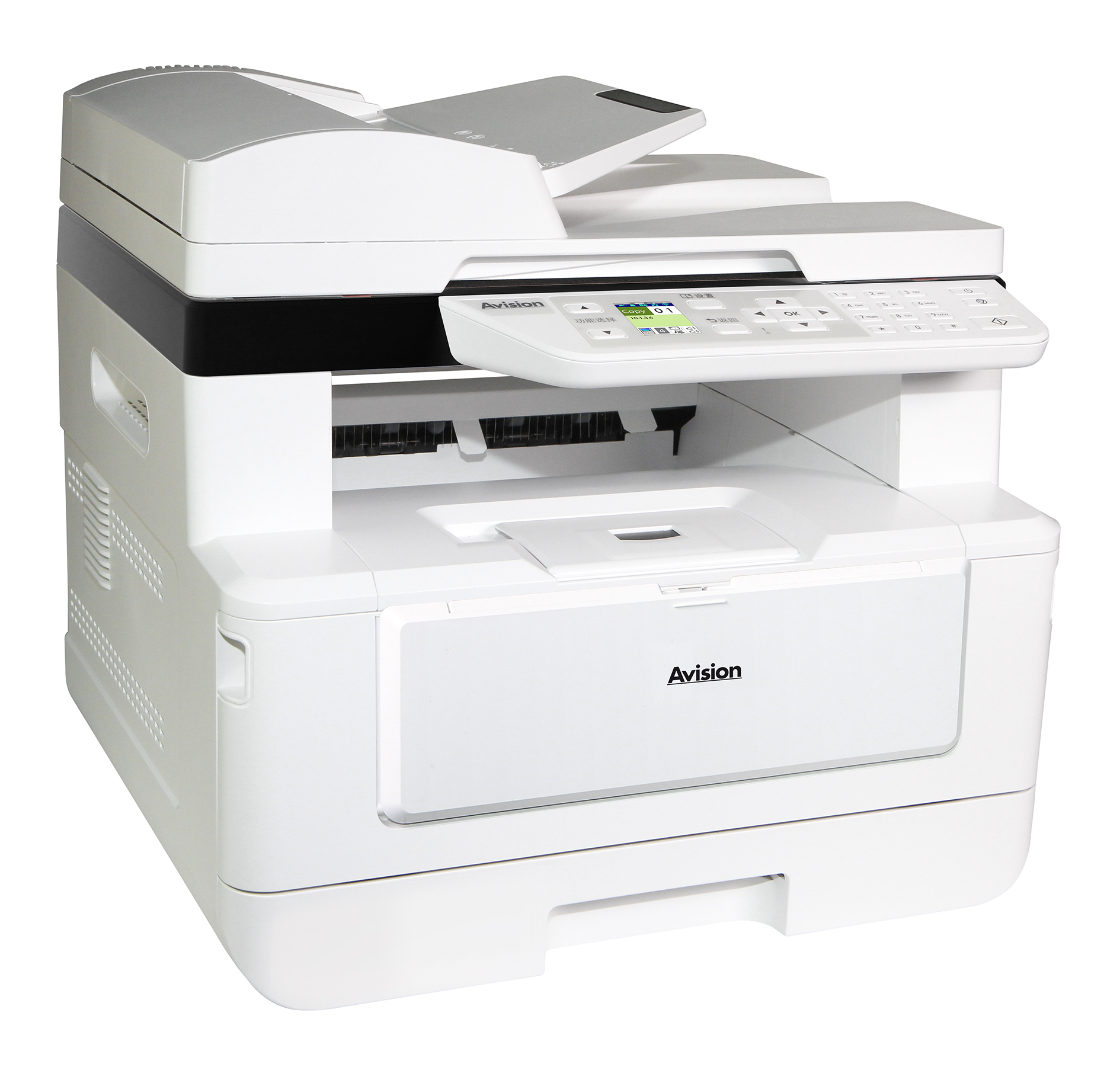
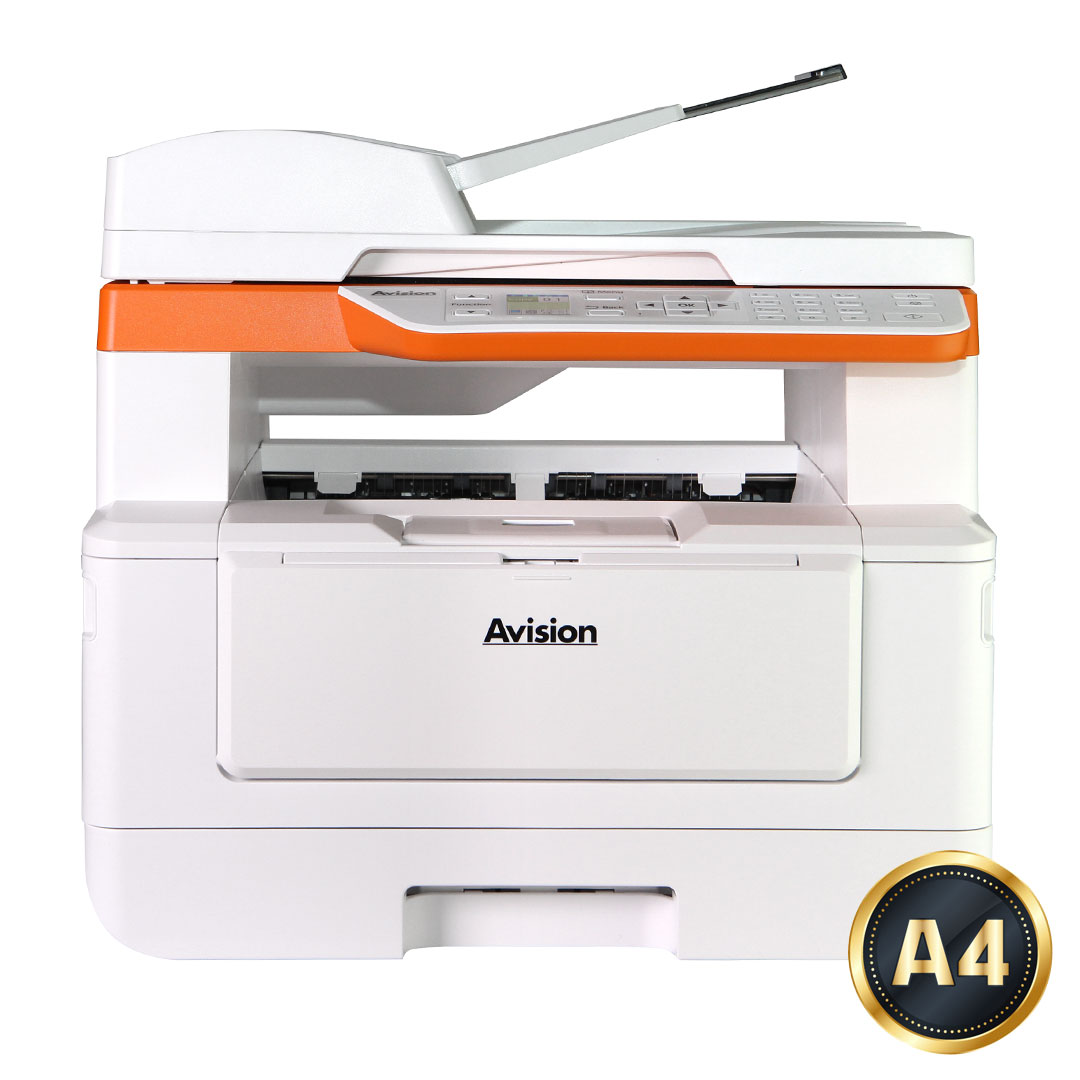
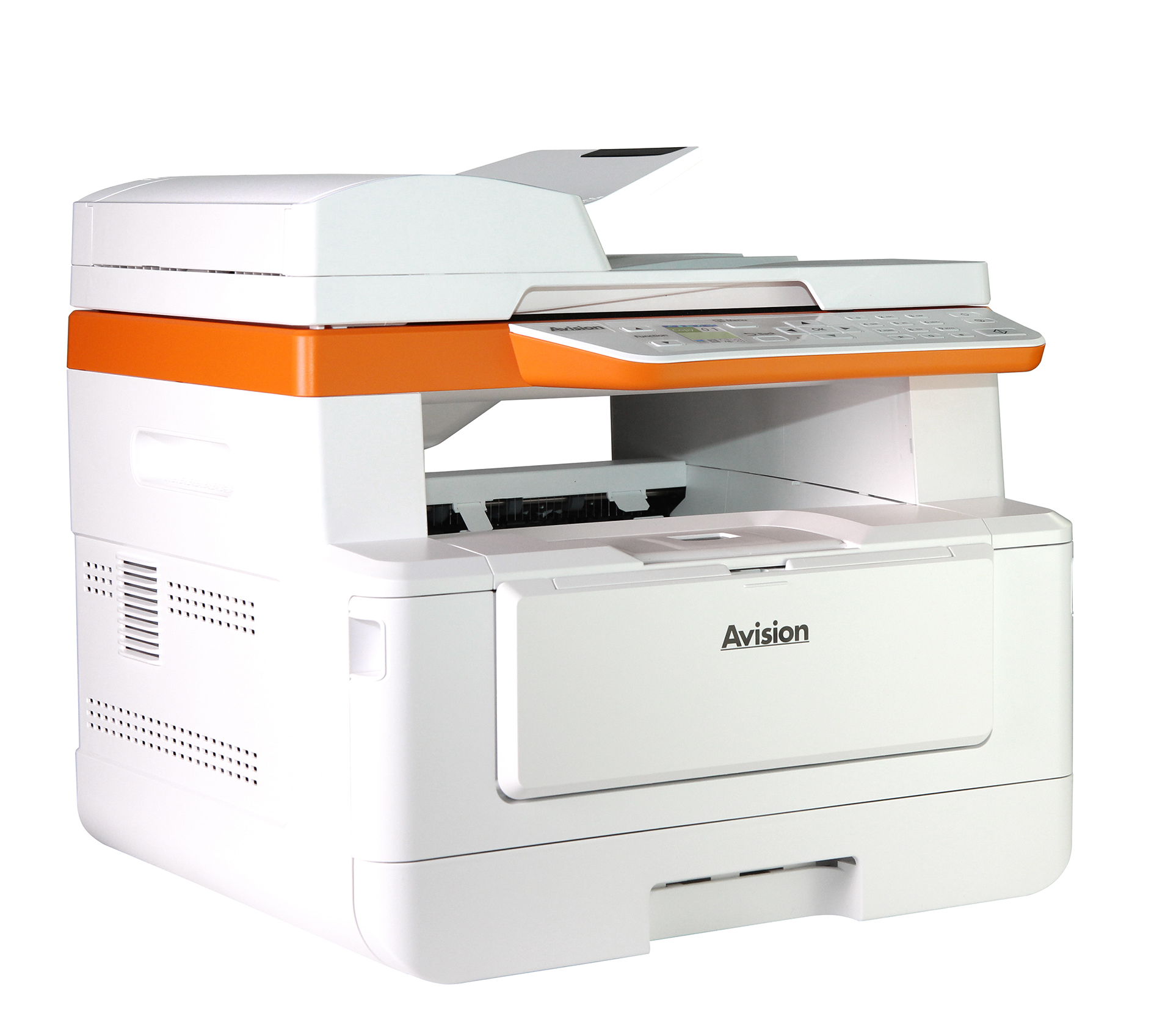
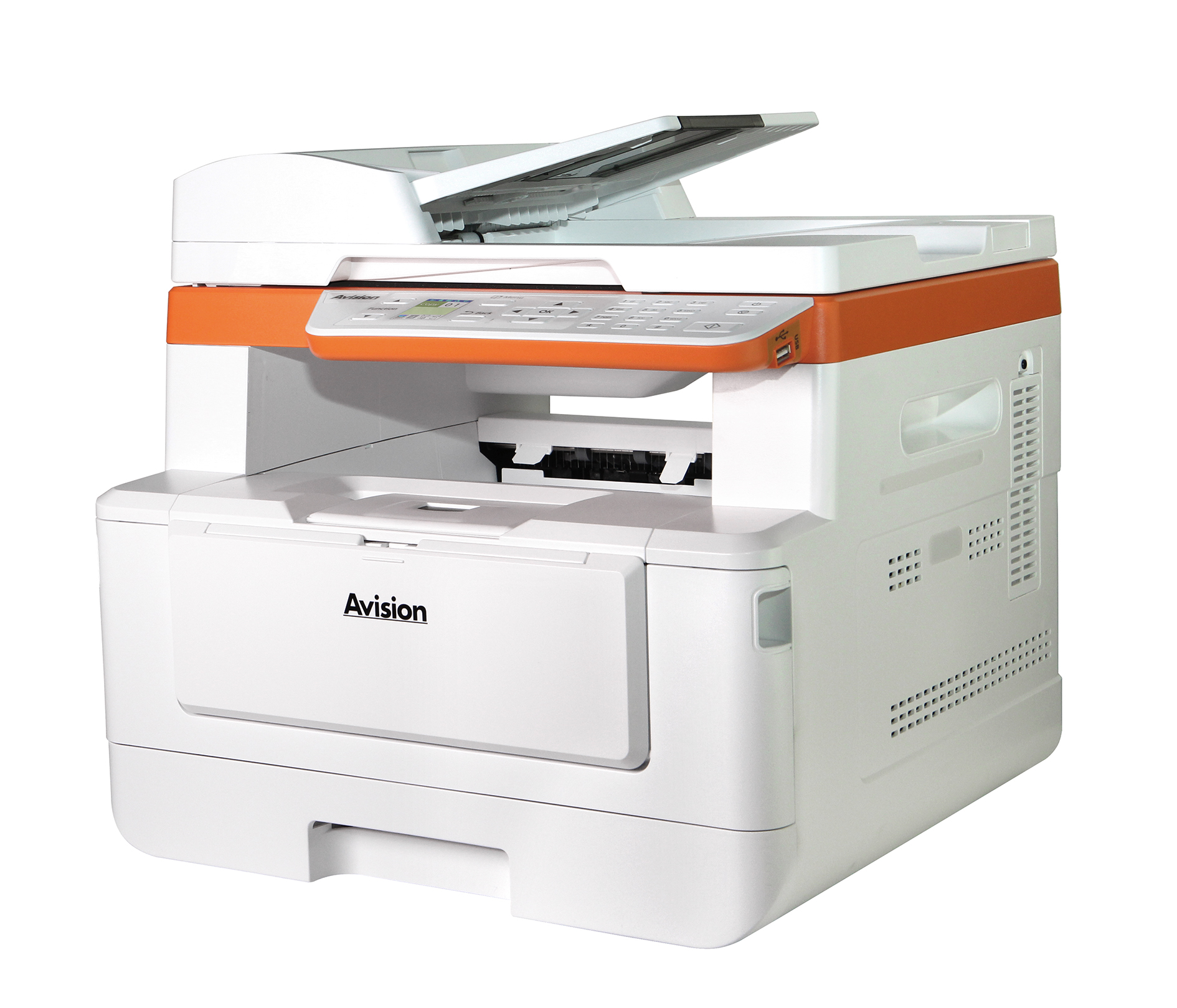
We’ve taken the office-critical features of our departmental MFPs and packed them into this ultra-productive LEGAL-size printer. It seamlessly integrates print, scan, e-mail, and copy functionalities. Plus, the product can be connected to the computer through a wired or wireless network. All these features are operated through a clear and LCD screen to simplify work for busy offices with high-volume of document distribution.

Product Details


▍Avision’s AM240QDW Plus offers the optimal solution for your needs

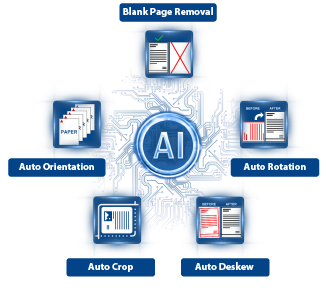
Avision‘s AI image processing technology offers a range of robust features, including blank page removal, automatic rotation, image deskewing, and precise cropping. With the added benefit of automatic orientation, these advanced capabilities effectively address common challenges encountered in the copying process. By leveraging Avision’s technology, users can enhance their operational efficiency and productivity significantly, ensuring seamless document management and reproduction.


AM40A_S1

▍Placing Your Document Casually – Automatically crop and straighten image

With advanced auto crop and straighten function, users no longer need to carefully placing document to the edge of paper guides. Even the document has been placed at a slight angle in the feeder or on the glass platen, the image can be first scanned, cropped and then straightened automatically.

▍Automatically Detecting Text Side – No more worry of placing document facing up or facing down

With an advanced processor developed by Avision, the front side and rear side of document can be scanned simultaneously and the text side will be automatically detected and copied.


▍Easy-to-use via the simple user interface

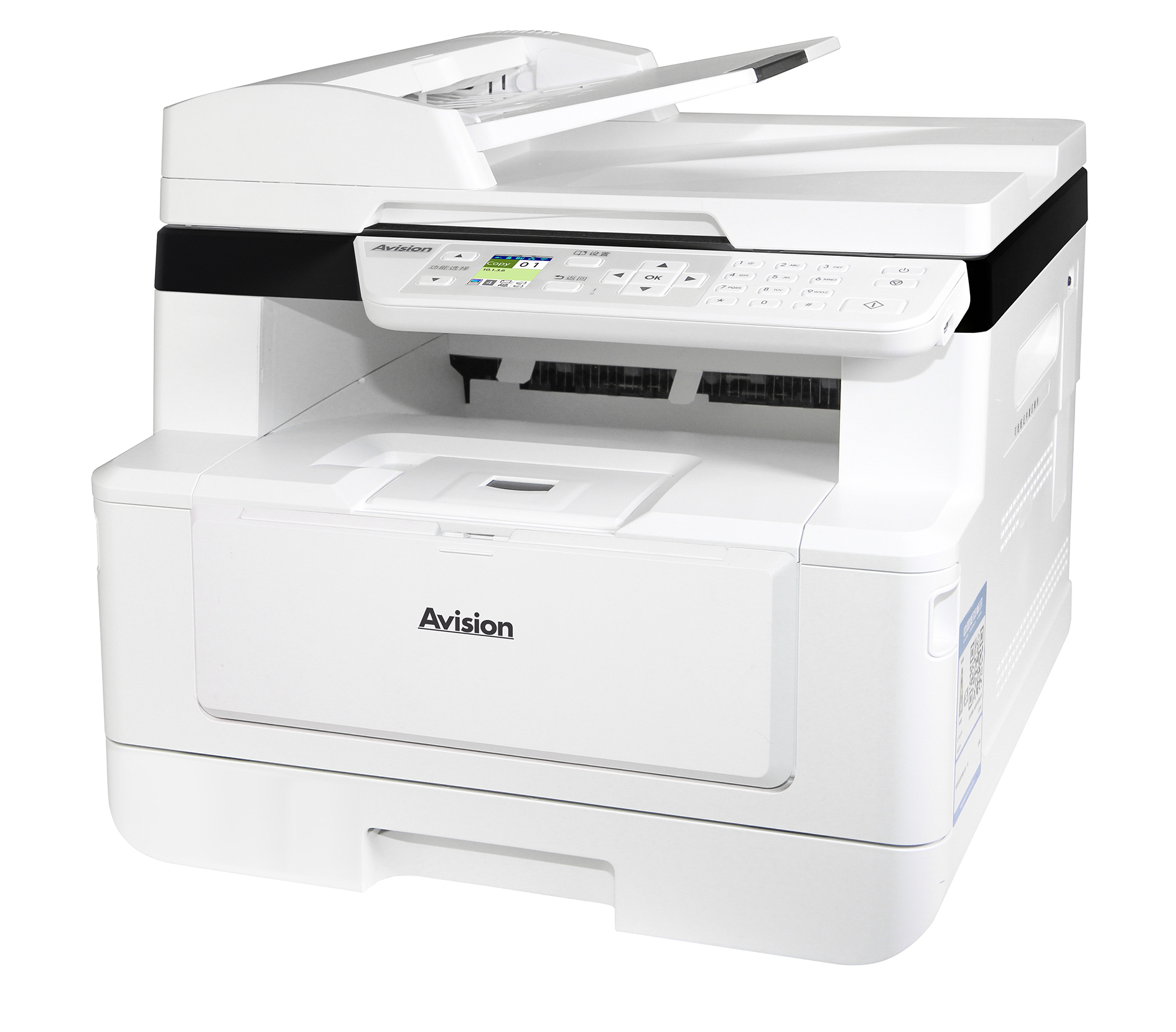
Easy to read and navigate, the large 2.8-inch, bright color touch screen guides you through even the most complex operations. Simply make a few touches on the touch screen, your document can be digitized and distribute within seconds. Preview your copy result on screen . Lets you verify your result and choose which side you want to copy.

AM40A_S4 width=

▍Advanced scanning capabilities

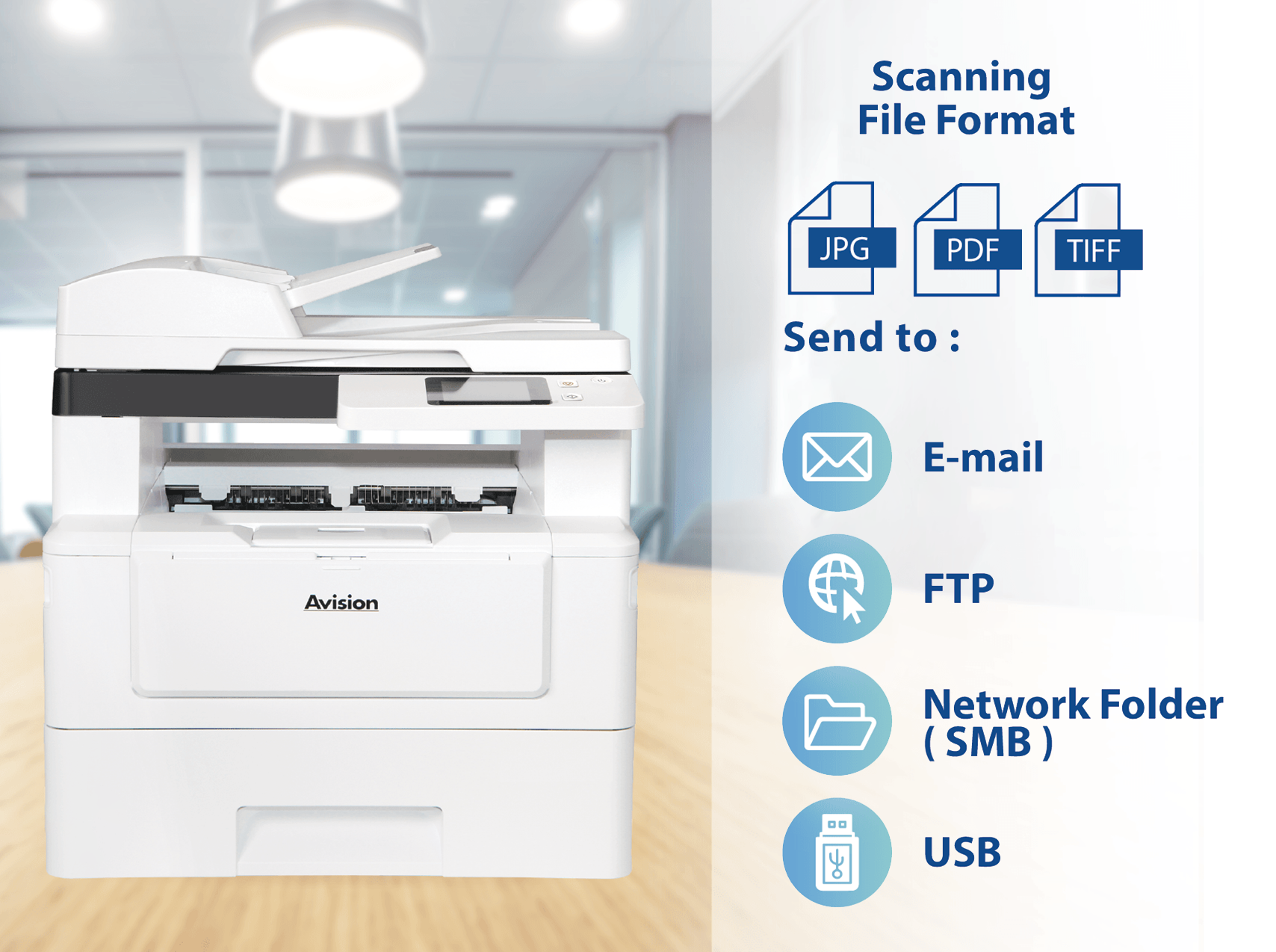
The product lets you scan paper-based documents in full color in PDF, JPEG, or TIFF file format and send them to a variety of destinations such as E-mail, FTP, USB and network folder (SMB).


▍Fast, High-Quality Printing & Copying

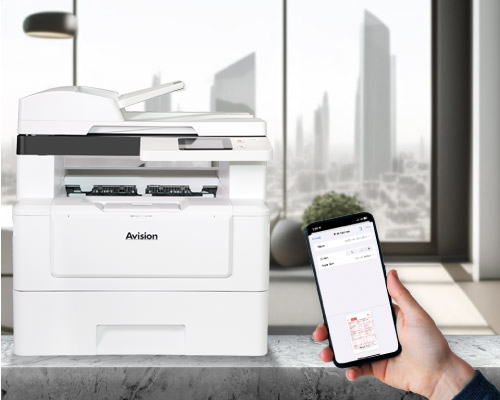
The product is able to connect to your mobile devices wirelessly and supports Android Mopria or iOS AirPrint. Simply download the corresponding app, you can complete printing through your mobile devices and enjoy the convenience and benefit of wireless transmission!

▍Print First Page in 5.9 Seconds

Get your work done in less time with this ultras-fast and efficient printer that can deliver a first page in as little as 5.9 seconds.


AM40A_S3

AM40A_S4

▍Convenient mobile printing, and scanning

Wirelessly print, or scan from your mobile devices through Avision’s app for the MFPs.

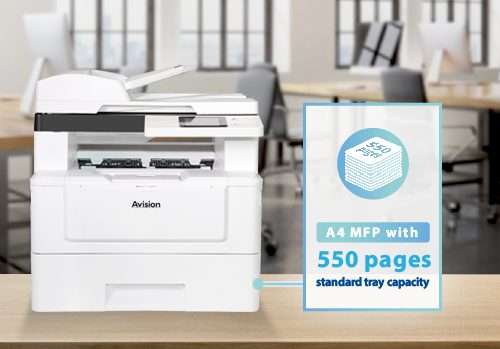
▍High-capacity paper tray

With a main capacity of 550 sheets, Say goodbye to frequent paper refills, ensuring seamless workflow and increased efficiency.


AM40A_S5

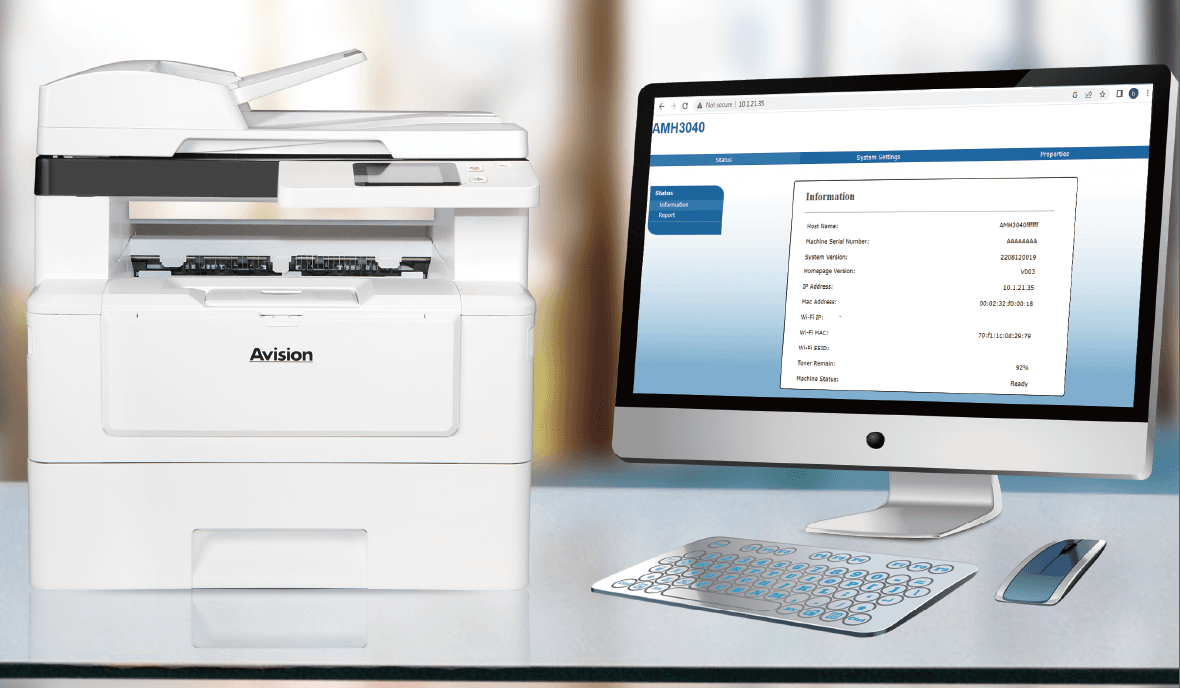
▍Remote Device Management through Embedded Web Page

The product provides a convenient way to view the supplies status of printer cartridge, scan count, and copy count to help you maintain the product well. By simply typing the machine’s IP address in the URL field of your browser, the product’s embedded web page will be prompted.


▍Features

  • Duplex Versatility: Two sided printing, and copying
  • Print and copy at up to 40 cpm (A4 LEF) in black and white
  • First print/copy output time < 5.9 seconds
  • Scan in color up to 1200 dpi optical resolution
  • 75-sheet Duplex Automatic Document Feeder scans one-sided documents in sizes up to legal size
  • Full A4 platen glass allows you to scan A4-size document with ease
  • Scan to and print from USB for files on the go
  • 550-sheet standard or optional tray plus 50-sheet multipurpose tray
  • Remote device management through embedded web page
  • User-friendly 2.8” touch screen for easy operation


Specification

General Specification
Functions

Copy – Print – Scan – Network

CPU

1GHz

RAM

1 GB

Display

2.8" Touch Panel

Paper input

Face down(Main tray),Face up(Manual tray)

Paper output capacity

150 Pages(70 g/m² , plain paper)

Duplex printing unit

Automatic

Paper size

A4, B5, Letter

Paper weight

60 to 120 g/m²

Connectivity

USB 2.0, Wi-Fi (Built-in), 10/100/1000 Base-T Ethernet

Power source

100-120 VAC, 50/60 Hz, or 220-240 VAC, 50/60 Hz

Dimensions (WxDxH)

404 x 380 x 413 mm (15.9 x 14.9 x 16.3 in.)

Weight

10.7 kg (23.6 lb)

Acoustical Noise

Operating:68 dB, Standby:45 dB

Software Driver Support

Win 10, Win 8, Win 7, Win 11, macOS10.12~10.15 ,macOS11 Big Sur ,macOS12 Monterey , macOS13 Ventura ,macOS14 Sonoma ,macOS15 Sequoia , macOS26 Tahoe, Debian, Ubuntu, Fedora, openSUSE

Main tray
Paper capacity

550 Pages (70 g/m²,Plain Paper)

Paper size

A4, A5, A6, B5(JIS), Letter, Legal, 76 x 152 mm

Paper weight

60 to 120 g/m²

Manual tray
Paper capacity

60 Pages ( 70 g/m²,Plain Paper )

Paper size

A4, B5(JIS), A5, A6, letter, Legal, 76 x 127 mm to 216 x 356 mm

Paper weight

60 ~ 163 g/m2

Scan Function
ADF Scan Speed

36ppm / 72ipm

Technology

CMOS-CIS

Light Source

LED

Scanning Mode

Duplex

Document feeding mode

Flatbed + Document Feeder

Optical resolution

1200 x 1200 dpi

Output Resolution (dpi)

300/600/1200

Grayscale mode

16-bit input 8-bit output

Color mode

48-bit input 24-bit output

File Formats

Color file : JPEG, M-PDF, PDF, TIFF;Gray file : JPEG, M-PDF, PDF, TIFF;B/W file : M-PDF, PDF, TIFF

ADF Minimum

76 x 127 mm

ADF Maximum

216 x 356 mm ( Legal )( 8.5 x 14 in. )

Flatbed Maximum

216 x 297 mm ( 8.5 x 11.7 in )

ADF Capacity

75 Pages (70 g/m²,Plain Paper)

Paper Weight

60 ~105 g/m²

Scanning features

Scan to USB / Scan to FTP / Scan to E-mail / Scan to SMB

Print Function
Printing Speed

40ppm (A4) / 42ppm (Letter)

Maximum media size

Legal

Minimum media size

76 x 127 mm

Resolution

1200 x 1200 dpi

PDLs/Emulations

GDI, PCL

First print output time

< 5.9 s

N-up Print

2-in-1, 4-in-1, 9-in-1,16-in-1

Scaling

25 ~ 400 %, Fit to Paper

Duplex print

Booklet, Calendar

Print features

Collate / Network Print

Copy Function
Copy Size

Legal, Letter, A4, A5

Max media size

ADF:216 x 356 mm ; Flatbed:216 x 297 mm

Min media size

76 X 127 mm

Copy Speed

41ppm (A4) / 43ppm (Letter)

Copy Count

99

Copy Mode

Text / Mix

Zoom

25 % ~ 400 %

N-up Copy

2-in-1 / 4-in-1 / ID card

Copy features

Duplex Copy / Collate / Toner Save mode / ID Copy

Consumables
Toner Cartridge

3,000 pages, 6,000 pages, 9,000 pages, 12,000 Pages

Drum Unit

30,000 sheets

Recommanded Monthly Print Volumn

Up to 6,000 pages

Maximum Monthly print Duty cycle

80,000 pages

* The above specifications may vary due to computer performance and sales regions. For further details, please consult your local distributor.

▎Product Photos

200
High resolution Medium resolution Low resolution
17.90 MB 856.09 KB 464.94 KB
DownloadDownloadDownload

▎User Manual

VersionSizeLink
简体中文13.53 MBDownload
繁體中文13.36 MBDownload
Deutsch14.24 MBDownload
English13.31 MBDownload
Español14.21 MBDownload
Français14.79 MBDownload
Italiano14.05 MBDownload
Português14.27 MBDownload
Русский13.61 MBDownload

▎Brochure

VersionSizeLink
English668.70 KBDownload

▎Quick Guide

VersionSizeLink
Multiple Languages1.38 MBDownload

▎Drivers

NameVersionSizeOS SupportLink
AM240QDW PlusLatest101.43 MBWindows 7 / 8 / 10 / 11
Windows Server 2008R2 / 2012 / 2016 / 2019 / 2022 / 2025
Download

*If there are any issues with the Latest Driver, please download the certified version or contact us at [email protected] for assistance.

NameVersionSizeOS SupportLink
MFP Mac Driver2025120232.64 MBmacOS10.12~10.15 ,macOS11 Big Sur ,macOS12 Monterey , macOS13 Ventura ,macOS14 Sonoma ,macOS15 Sequoia , macOS26 TahoeDownload
Scan Mac Driver20260331185.17 MBmacOS10.12~10.15 ,macOS11 Big Sur ,macOS12 Monterey , macOS13 Ventura ,macOS14 Sonoma ,macOS15 Sequoia , macOS26 TahoeDownload
Linux 64-bit2026032013.29 MBDebian , UbuntuDownload
Linux 32-bit2026032012.34 MBDebian , UbuntuDownload
Linux 64-bit2026032013.31 MBFedora , openSUSEDownload
Linux 32-bit2026032012.35 MBFedora , openSUSEDownload
×
×

Cart